

The first sign that a blade service business has outgrown its spreadsheets is rarely a disaster. It is more mundane: the moment a project controller realises she has three versions of the same timesheet, none of them marked as final, and the campaign ended five weeks ago.
At one or two simultaneous campaigns, a combination of spreadsheets, WhatsApp, and shared folders manages well enough. The team is small, everyone knows each other, and exceptions get resolved on the phone. This is not a criticism of the people running these operations. It is a sensible way to start, and it works until it does not.
The point where it stops working is different for every contractor, but the symptoms are consistent. Timesheet disputes. Compliance documentation that lives across four people's phones. Invoice cycles that drag on for weeks after the campaign has demobilised. When those problems appear together, they are not a sign that something went wrong operationally. They are a sign that the tools are no longer matched to the complexity of the work.
What Makes Blade Service Work Different
Generic project management software was not designed for campaigns where a team of IRATA-certified rope access technicians works at 80 metres above ground, often without reliable mobile data, on turbines spread across multiple wind farms, under contracts that bill different activities at different rates. The data these operations generate is specific, time-sensitive, and commercially material in a way that most project work is not.
A timesheet entry on a blade service campaign is not just a record of hours. It carries the billing rate that applies to that shift type, the GPS location that verifies the technician was at the turbine and not at the accommodation, the standby classification that determines whether the OEM pays half-rate or full-rate for weather downtime, and the team lead's digital approval that makes the data creditable in a commercial dispute. A general-purpose tool can capture hours. It cannot do all of that without a significant amount of custom configuration that most contractors do not have the time or resource to build.
The gap between what generic project software can do and what a blade service contractor needs is not a gap in features. It is a gap in domain specificity.
The Field Side: What Has to Work at the Blade
Offline-first is non-negotiable
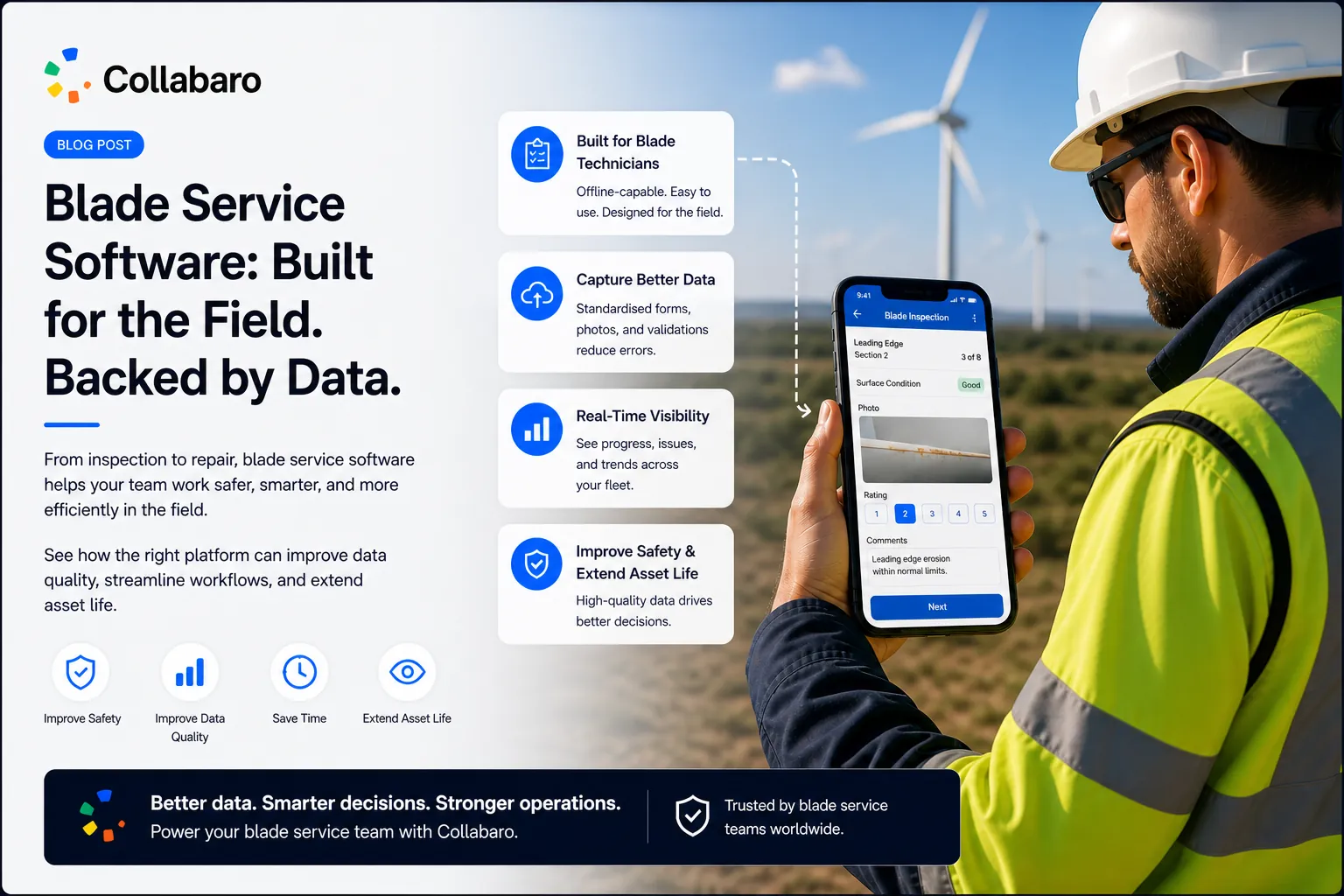
Wind farm sites are not offices. Connectivity ranges from slow to non-existent, and it is unpredictable. Any mobile application that requires a live internet connection to function is a mobile application that will not be used in the field. The device needs to work fully offline, queue everything locally, and synchronise reliably when the technician gets back within range. This sounds straightforward. In practice, conflict resolution, data integrity, and background sync are hard engineering problems, and getting them wrong produces corrupted records or lost data at the worst possible moment.
Structured data, not free text
When a technician can type whatever they like into a notes field, the data that arrives in the project record is unstructured and unreportable. Searching for all damage records where the damage type was “leading edge erosion” across 400 turbine visits becomes an exercise in interpreting abbreviations and variant spellings. The data exists, but you cannot use it. Structured capture — defined response options, mandatory fields, conditional logic that surfaces the right questions at the right point in the workflow — is what makes the data operational rather than archival.
Photography tied to records, not stored separately
On a blade inspection campaign, photographic evidence is not supplementary material. It is the record. An OEM querying a repair needs to see the before and after images tied to the specific damage instance on the specific blade section on the specific turbine. Photos stored in a shared folder with filenames like “IMG_4372.jpg” are not evidence. Photos attached directly to a task record, with a timestamp and GPS location, in a format the OEM can access without asking the contractor to compile them manually, are evidence. The difference is in how the software structures the relationship between images and records at the point of capture.
The Office Side: What Has to Work for the Project Manager
Timesheet approval that does not create its own overhead
The common solution to timesheet disputes is more review steps. The problem is that more review steps mean more overhead, and the overhead often lands on the one person in the office who is already managing three concurrent campaigns. Batch approval — where the project manager reviews GPS-stamped records in a single queue, flags anomalies, and approves the rest in bulk — is what makes daily timesheet management possible at scale. Individual review of each record, one at a time, is not.
Report generation that is not a separate job
On most blade service campaigns, producing the end-of-campaign compliance report is a distinct, manual task that takes several days. Data from the field has to be consolidated, formatted, and transferred into a document template. This process is error-prone, time-consuming, and entirely redundant if the field data was captured in a structured way in the first place. A report designer that pulls directly from the project record — populating the damage summary, timesheet data, and photographic evidence automatically — turns a multi-day task into a matter of hours.
Budget visibility before the campaign ends
A project manager who discovers the campaign has gone 15% over budget on the final day of demobilisation has no options. A project manager who sees that the campaign is tracking 8% over budget on day fourteen has choices: adjust the scope, negotiate the variance, or at minimum prepare a commercially sound explanation before the client asks. Real-time cost accrual, matched against the project budget with alerts when thresholds are crossed, is the difference between reactive and managed commercial performance.
The OEM Integration Question
Blade service contractors are not independent operators. They work within OEM commercial frameworks that increasingly have digital requirements of their own. Two are worth understanding before evaluating any software platform.
WINDA. The Global Wind Organisation’s training database is now the standard reference for verifying technician certification across the industry. Contractors working on OEM-managed campaigns are expected to confirm that every technician allocated to a project holds current GWO certifications (BST, BTT, ART as applicable). Doing this manually — collecting and verifying certificates before each mobilisation — is slow and error-prone. Integration that checks WINDA records directly from the project record eliminates the manual step and creates a verifiable compliance trail.
OEM service platforms. Some OEMs now require that blade inspection and repair data is delivered into their own service management systems rather than as a PDF report. Nordex operates on ServiceNow. A contractor working on Nordex assets without a direct integration spends time re-entering data that was already captured in the field. The integration exists; the question is whether the contractor’s software supports it. As OEMs extend these digital requirements to other systems, this question will become more common, not less.
What to Evaluate When Choosing
The questions that separate tools built for blade service work from tools that have been adapted for it:
- Does the mobile application work fully offline, and how does it handle synchronisation when connectivity returns?
- What does structured data capture look like in practice — configurable checklists with mandatory fields, or free-form notes?
- Are photographs attached directly to task and damage records at the point of capture, or stored separately?
- Does timesheet management support GPS verification and batch approval, or does every entry require individual review?
- Can reports be generated directly from the project record, or does production require manual data transfer?
- Does the platform integrate with WINDA, Nordex SNOW, or the OEM platforms your clients use?
- What does the vendor know about blade service work specifically — rope access disciplines, standby classifications, LEP and LPS work types?
That last question is harder to evaluate from a product demonstration, but it is the one that determines whether the software will still fit the operation in two years, when the edge cases that were not discussed in the sales process start appearing.
Collabaro was built by and for blade service contractors. It handles the field data, the timesheets, the reports, and the OEM integrations described above. If you want to see what that looks like in practice, book a demo and we will walk through the workflow relevant to your operation.
← Back to Field Notes